
- To update this section go to – WEXHAM MENU ->Master File->Products
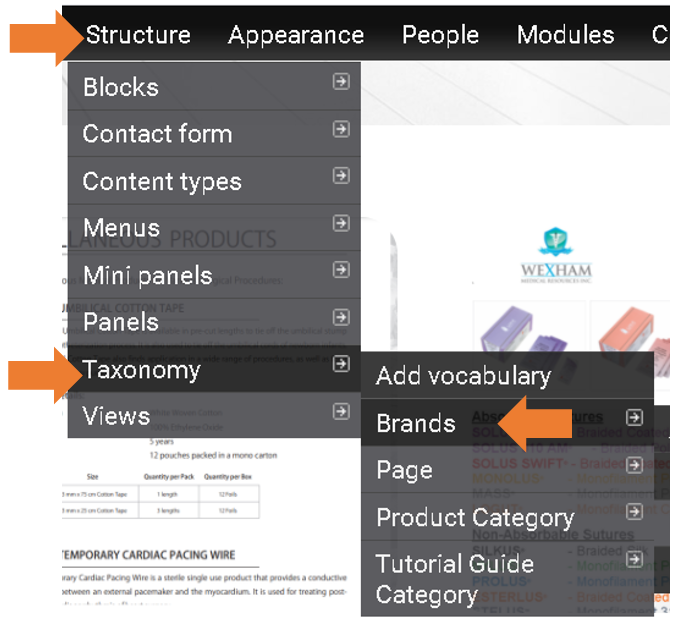
- Here you will see all the products, find the product you wish to update then click edit.
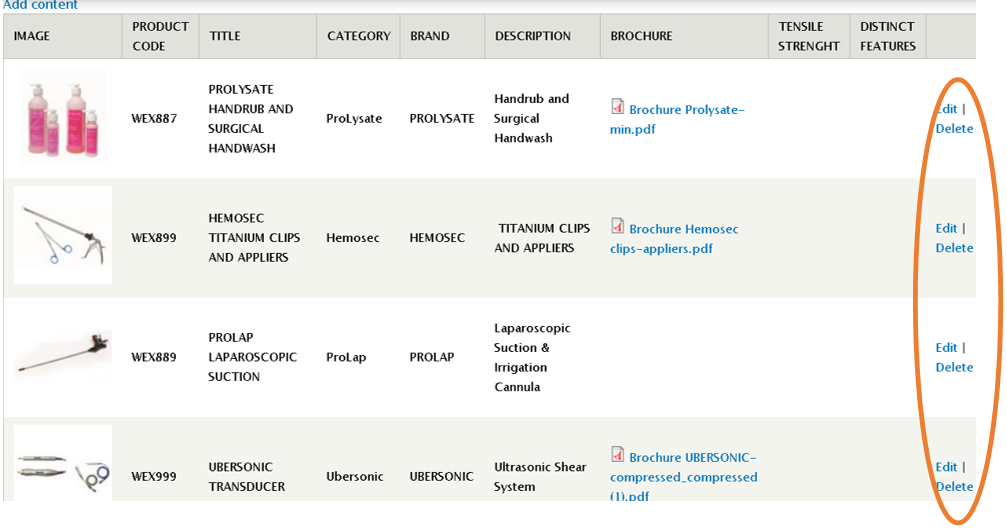
- Here you can update the product by typing and uploading images

after all the updates, scroll down and click SAVE

Image:
Type: